
Productivity
SortSage
Rules-based file organization for Windows.
SortSage is a Windows desktop application that automatically organizes files into folders using customizable rules based on file type, name patterns, size, and date.
Clear pricing · Instant access
MAKE ROOM FOR THE WORK THAT MATTERS
A clearer folder. A clearer next step.
When everything lands in the same folder, finding the file you need becomes another task. Give the routine sorting a home, so you can get back to the work the files belong to.
BEFOREA pile to sort before you can start.
WITH A BETTER WORKFLOWFiles where your rules say they belong.
Start with the work, not the cleanup.
Keep recurring downloads, screenshots and documents moving into a structure you chose, instead of repeating the same sorting session.
Spend less time wondering where it went.
Consistent destinations make it easier to return to a file later. Your organisation follows your rules, rather than another app’s idea of how you should work.
Make changes with more confidence.
Preview a run before it touches your files, then undo supported actions if you need to step back. Permanent deletions and external script effects cannot be undone.
What makes SortSage different
SortSage automatically moves and organizes your files based on customizable rules. Define patterns by file type, name, date, or size, and let SortSage handle the rest. No more cluttered Downloads folder.
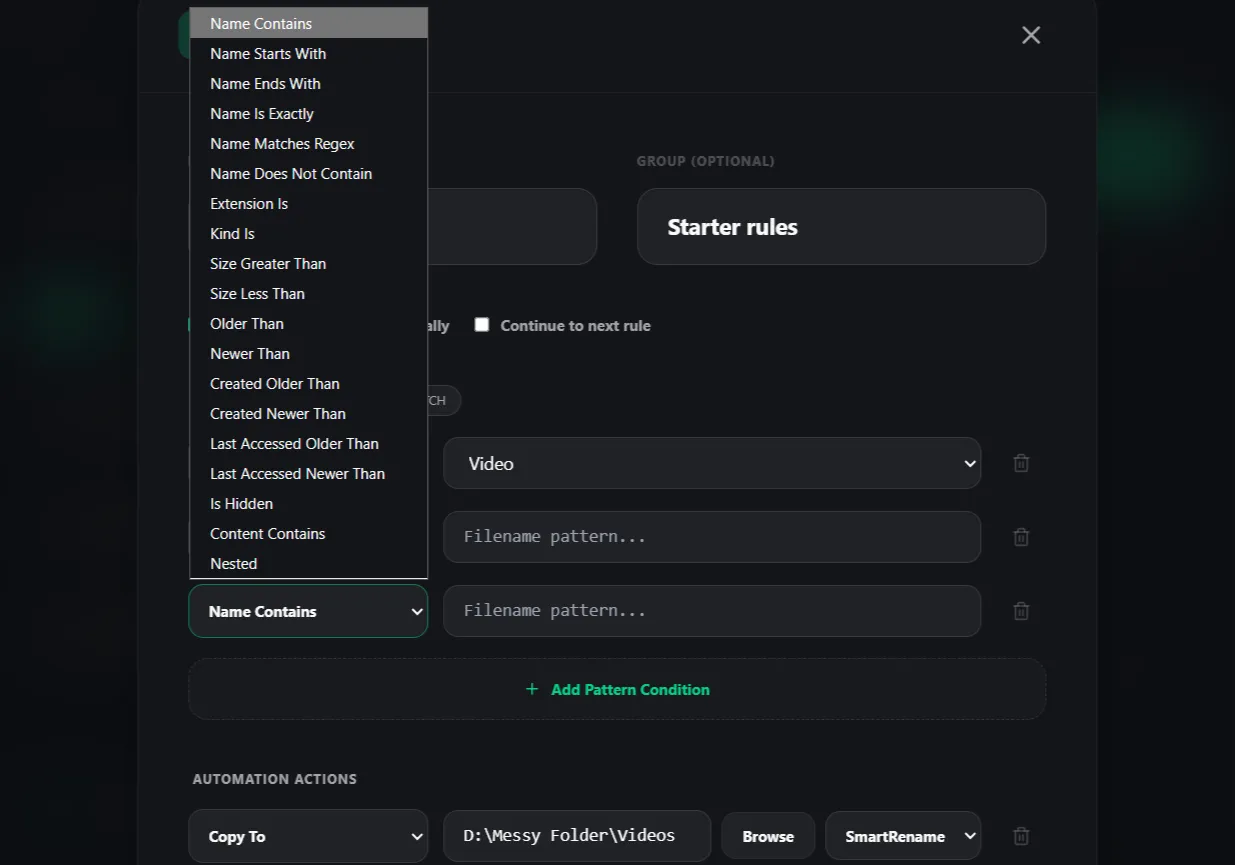
Custom Rules Engine
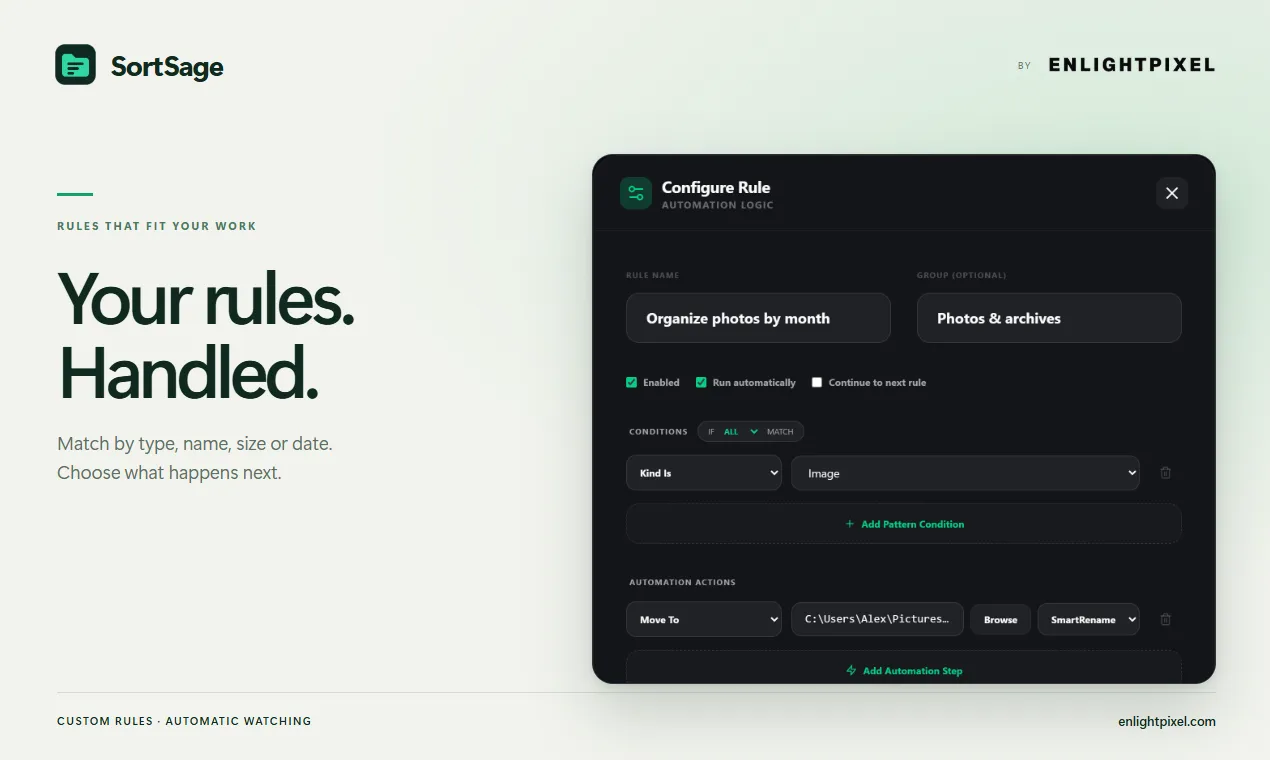
Match files by name, extension, type, size or age. Combine conditions and actions, or import custom rules as JSON.
Real-Time Folder Monitoring
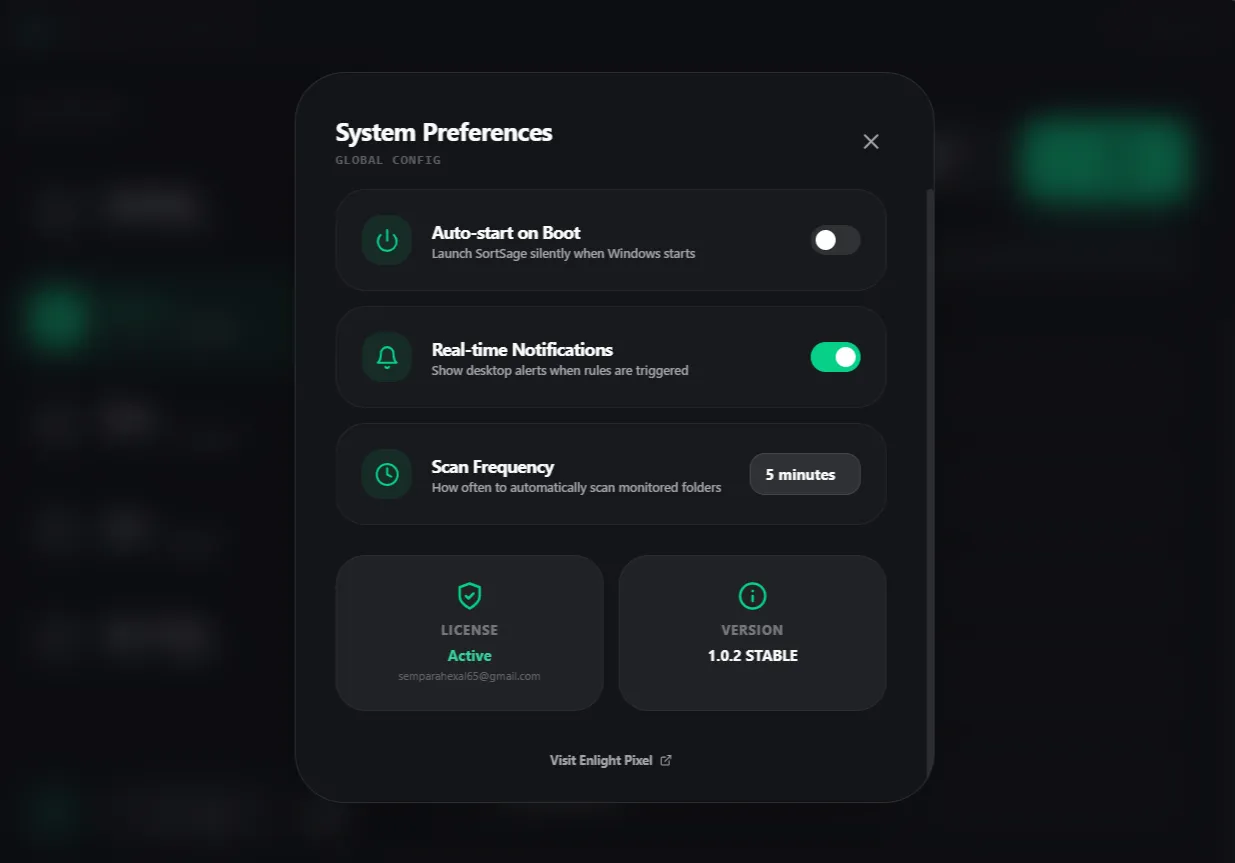
Watch local folders and sort new files using your rules. Keep SortSage in the system tray or run rules manually.
Undo and Dry Run
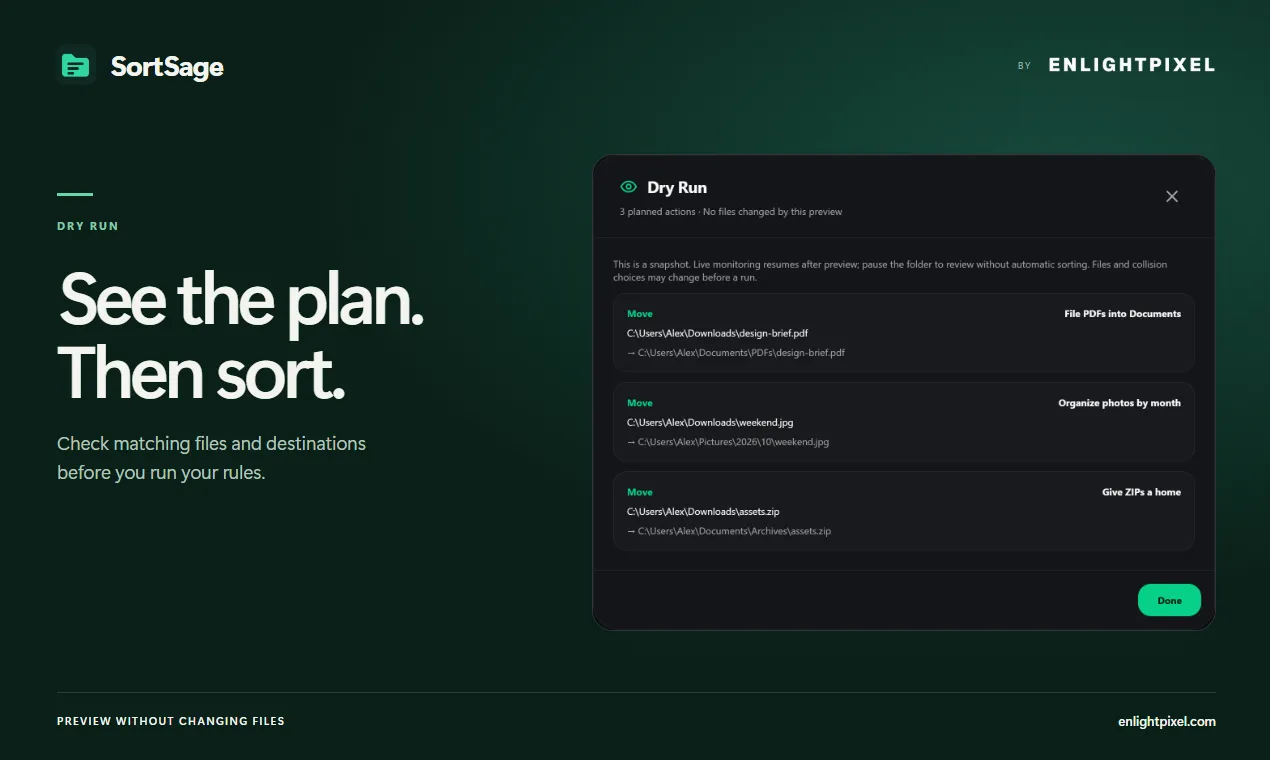
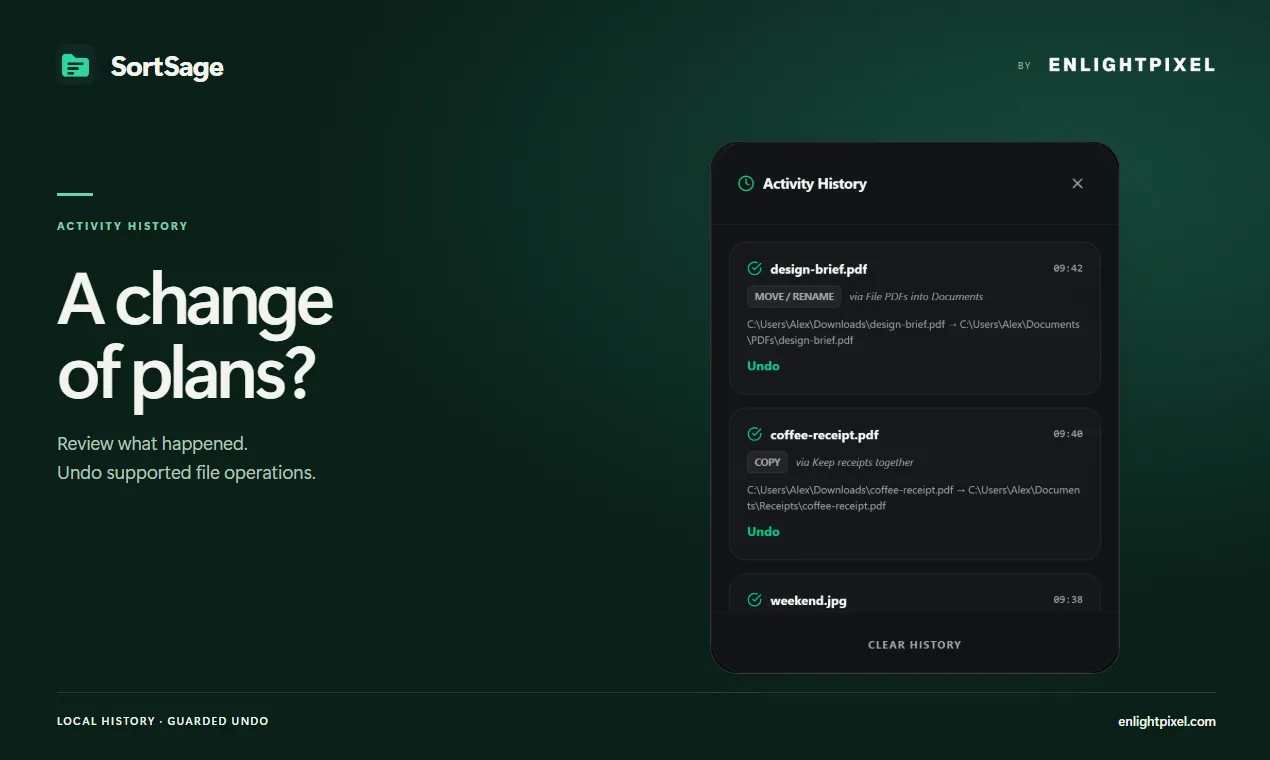
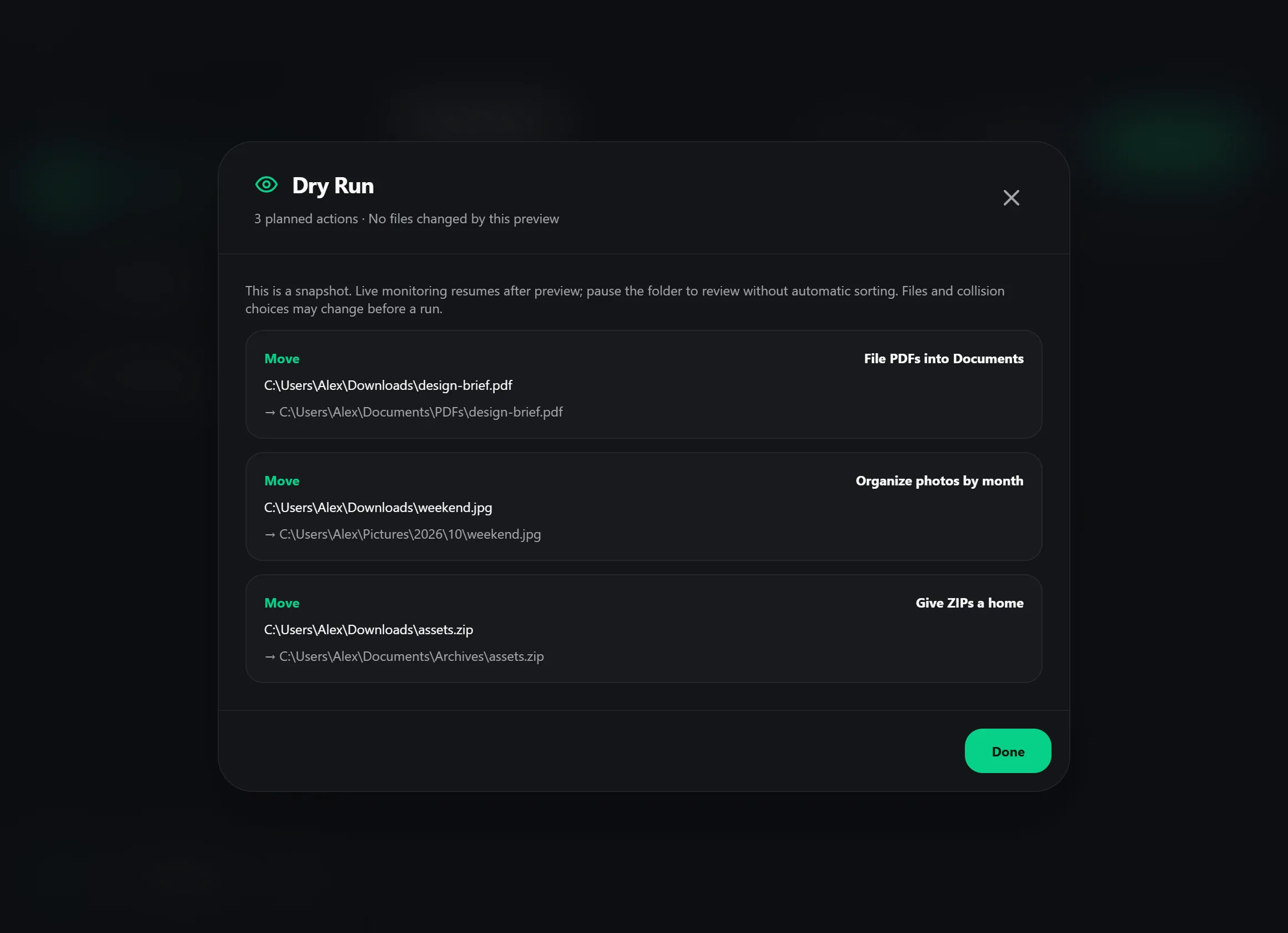
Preview predicted actions and undo supported operations from Activity History. Permanent deletion and external script or application effects cannot be undone.
And there's more
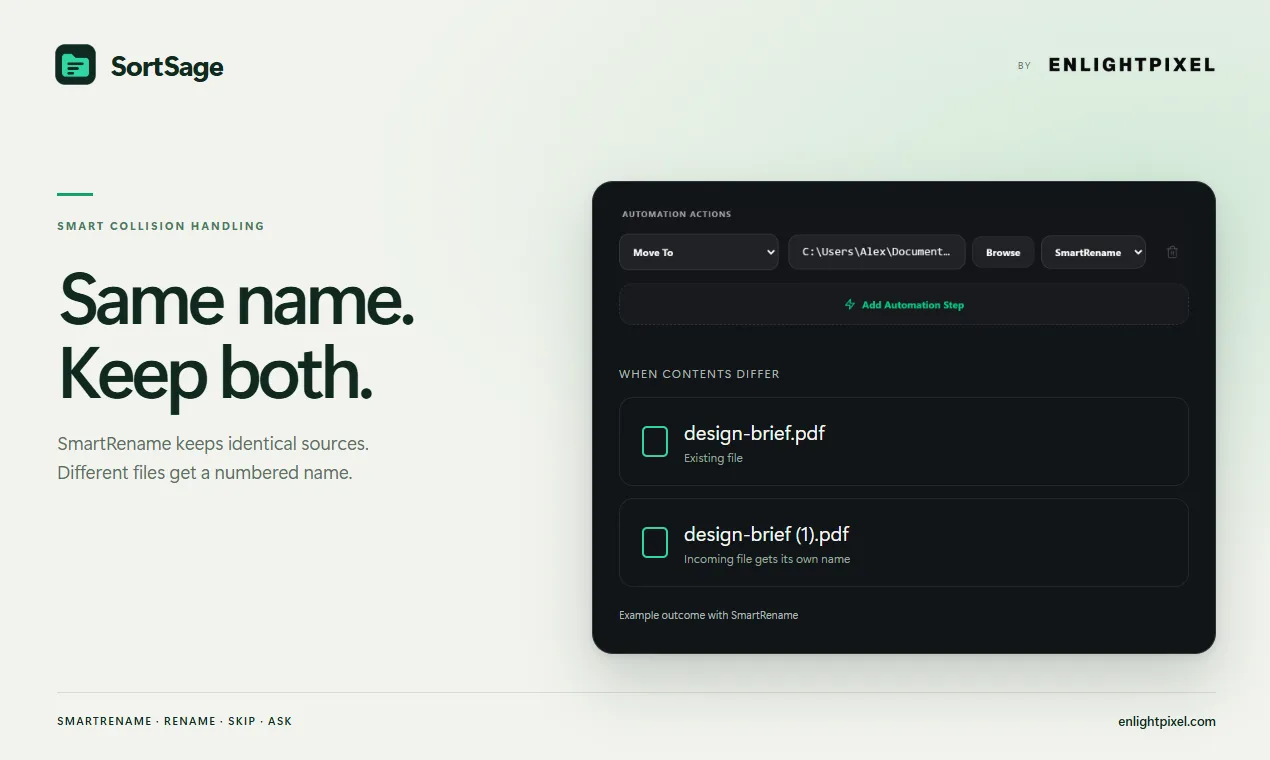
Smart Collision Handling
Choose SmartRename, Rename, Overwrite, Skip or Ask for each move or copy action.
JSON Rules and AI Template
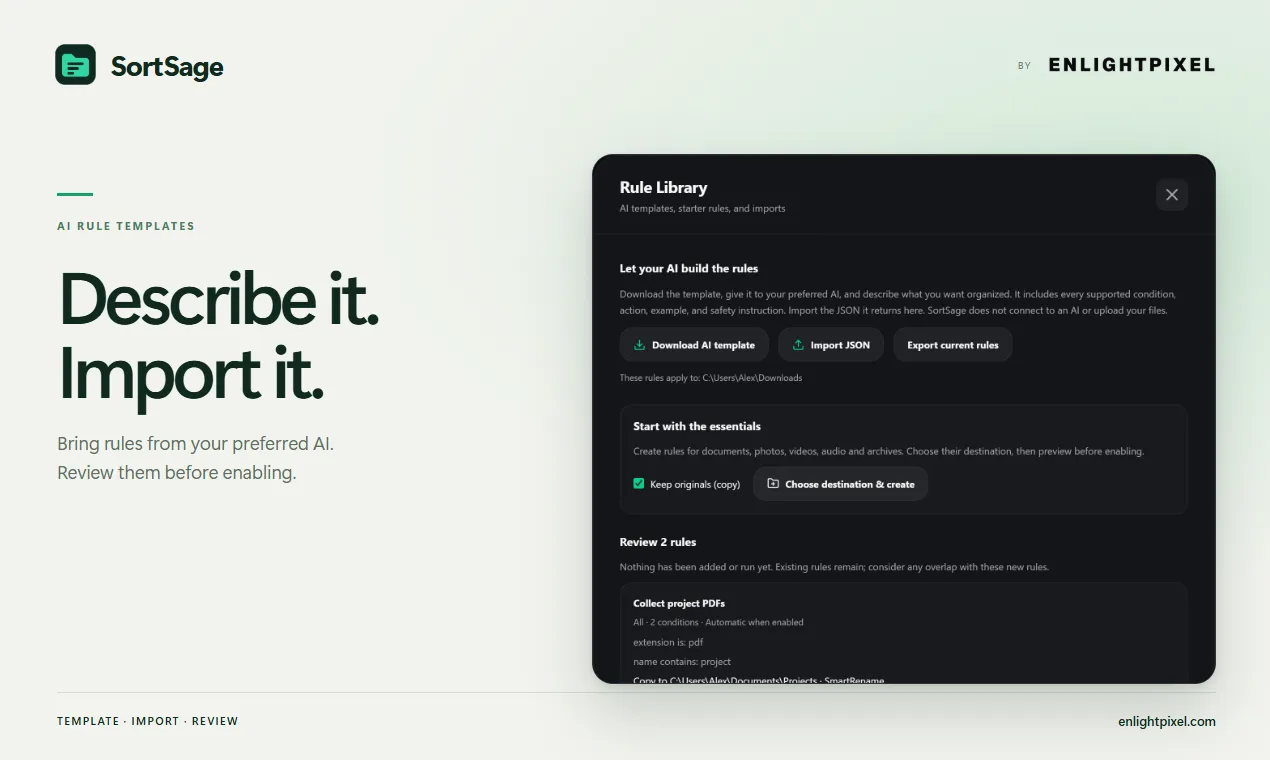
Write custom JSON rules yourself or use the downloadable template with an AI of your choice. Review the imported rules before enabling them.
Local File Processing
Organize files on your computer. Activate once through EnlightPixel, then keep working offline.
How SortSage works
From setup to results, one step at a time.
Define your rules
Create rules, choose a copy-first starter or import custom JSON. You can optionally prepare JSON with an external AI using the included template.
Point at your folders
Select local folders and destinations. Pause watching while setting up; review imported rules before enabling them.
Let it sort
Check Dry Run, then run your rules or enable watching. Choose how each move or copy handles same-name files.
Review and undo
Review persistent Activity History and undo supported actions most recent first. Permanent deletion and external script or application effects cannot be undone.
Technical details
Platform
Windows 10 or later
Offline after activation
Memory
2 GB RAM
System requirement
Storage
50 MB free disk space
System requirement
Privacy
Local processing
Files are processed on your device. Activation checks purchase access.
License
Perpetual License
Pay once. Keep the purchased version. Updates within the same major version are included.
Updates
Included
Updates within the purchased major version
What you get with SortSage
A closer look at the capabilities and how they fit into your workflow.
| Capability | How it helps |
|---|---|
| Start with a preview | Inspect up to 1,000 proposed actions in Dry Run before changing files. Pause watching while you review; scripts and later file changes cannot be predicted. |
| Keep recovery within reach | Review persistent history and undo supported actions, most recent first. Permanent deletion and external script effects cannot be undone; keep separate backups of important files. |
| Reuse a setup you understand | Import custom JSON rules and review them before enabling. An external AI can help draft rules using the template; SortSage itself has no built-in AI connection. |
Common questions about SortSage
What can I organize with SortSage?
Does SortSage move or copy files?
Can SortSage undo every operation?
Does the AI template mean SortSage uses AI?
What does Dry Run show?
Can I run SortSage on startup?
What happens if a file with the same name already exists?
Does SortSage work offline?
Is there a free trial?
How do I activate SortSage?
Latest Release — v1.0.2
Oct 25, 2026- Added dry-run previews and persistent history with guarded undo for supported actions
- Added JSON rule import, an optional external AI template, five copy-first starter rules, search and paused duplication
- Improved collision handling, overwrite backups and file-safety checks; advanced actions require manual review
- Fixed watcher behavior, incomplete-download handling, single-instance protection and window state
- Updated the user manual and clear-history dialog
Pay once. Keep the purchased version. Updates within the same major version are included. 14-day refund policy.
Get SortSage today
Pay once. Keep the purchased version. Updates within the same major version are included. 14-day refund guarantee.